A temperature that suits you
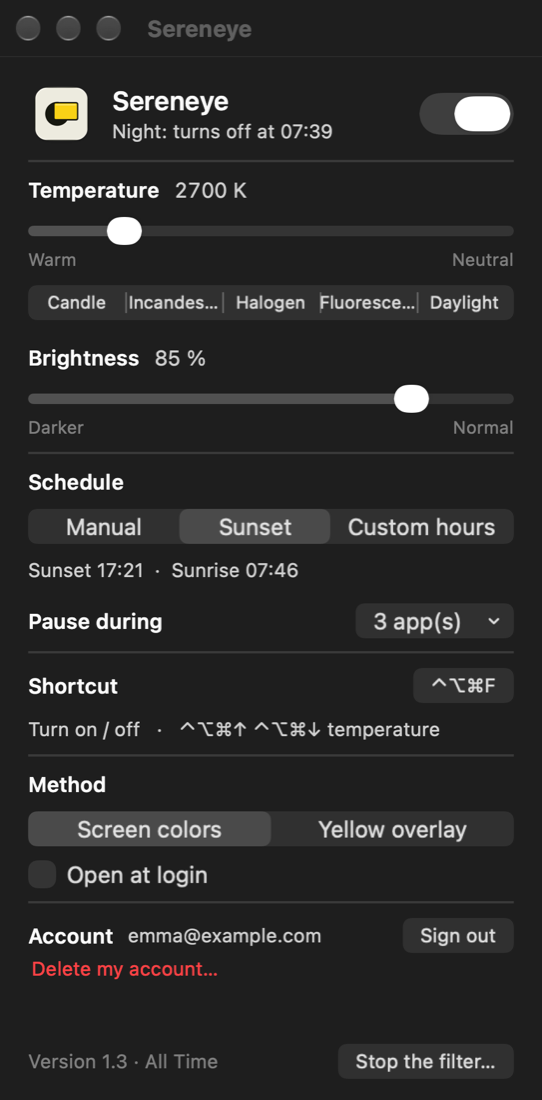
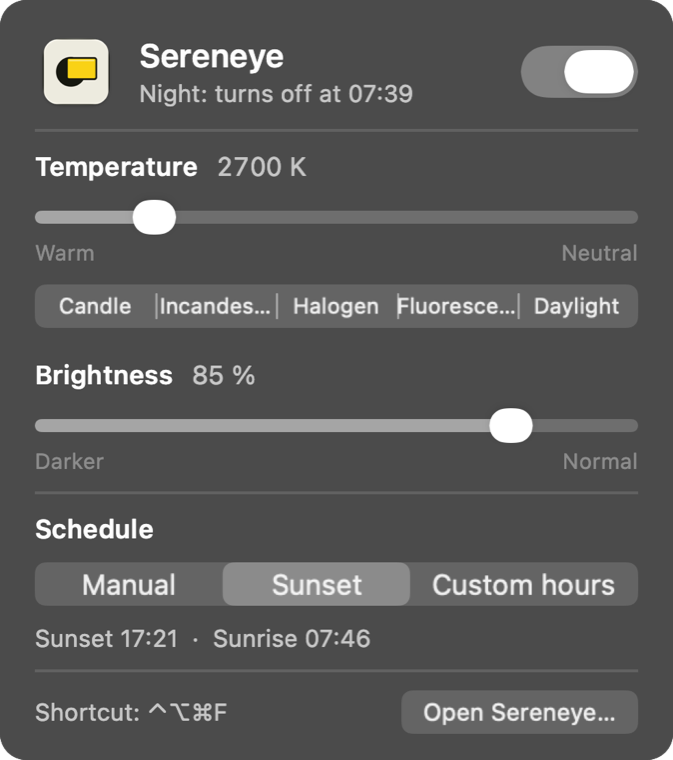
From 1900 K, warm as a candle, to 6500 K, perfectly neutral. Five presets to go fast, a slider for the exact shade.
Sereneye warms your screen's colors as night falls. Less blue light, less eye strain, and sleep that comes more naturally.
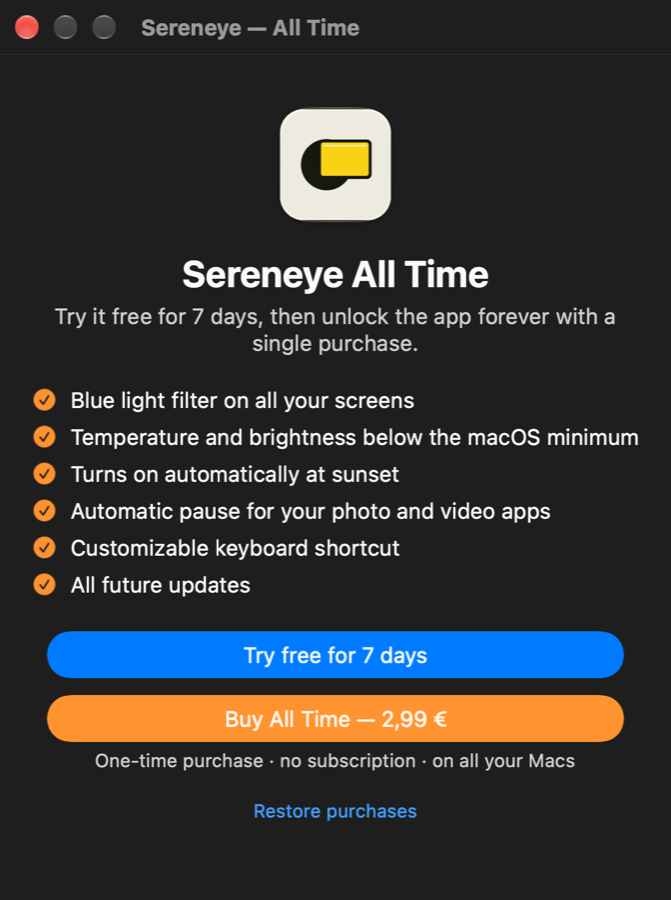
7-day free trial · then €2.99 once · no subscription
 With Sereneye
Create your account once. Sereneye then lives in your menu bar, out of the way.
Every feature is unlocked, with no credit card. If you love it, keep it for €2.99, once.
Click the icon, pick a preset or drag the slider. Your whole screen follows right away.
The tint rises slowly by itself as the sun goes down, then fades away at sunrise.
Pause for your photo apps, keyboard shortcut, schedule: fine-tune it once, then forget about it.
Screen light is rich in blue, like daylight. In the evening, it sends your brain a “daytime” signal that can suppress melatonin, the hormone that prepares you for sleep.
Long hours in front of a bright screen can leave your eyes tired. Here is why it matters in the evening.
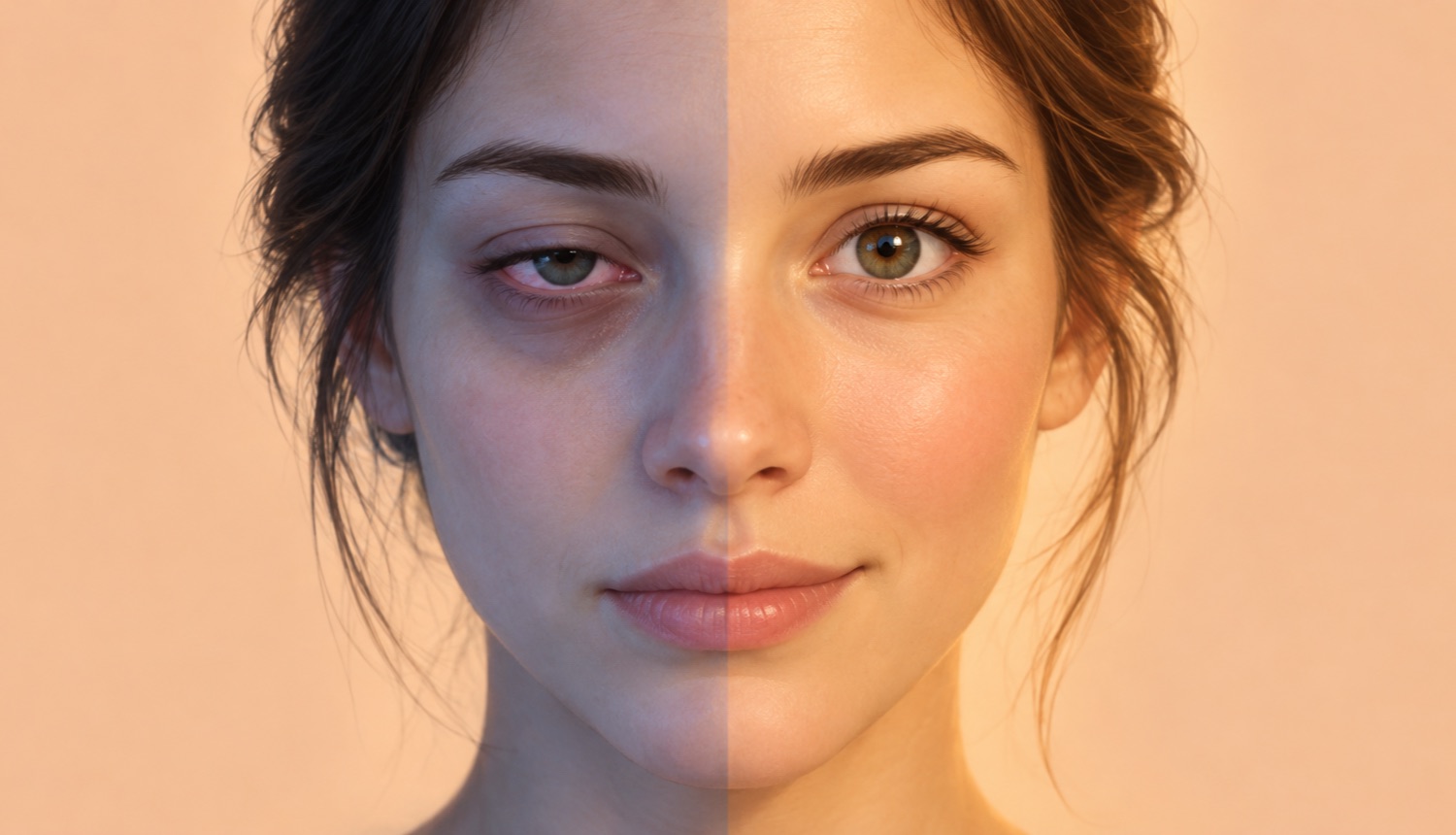
AI-generated image, for illustration only: it does not show a result of the app.
We blink less in front of a screen, so the eyes can dry out.
Tired eyes and sometimes blurred vision, after hours focused at the same distance.
Often made worse by glare, a poor posture and too few breaks.
Bright, blue-rich light late in the evening can keep you more alert and delay melatonin.
These symptoms are generally temporary. According to the American Academy of Ophthalmology, there is no evidence that blue light from screens damages the eyes.
Our internal clock is set by light. Warm light in the evening goes along with the natural drop in alertness.
Hours in front of a very bright screen tire the eyes. A softer tint and lower brightness make evening reading more comfortable.
Sleep specialists advise limiting screen exposure before bed. When you can't avoid it, warming the light is a good habit.
Sereneye is a visual comfort tool, not a medical device. If you have vision or sleep problems, talk to a health professional.
Sereneye is set up in one gesture and forgotten the rest of the time. It quietly looks after your eyes from the menu bar.
From 1900 K, warm as a candle, to 6500 K, perfectly neutral. Five presets to go fast, a slider for the exact shade.
The filter comes on by itself when the sun sets where you are, and fades away at sunrise. Or choose your own hours.
Go below macOS's minimum brightness to read in the dark without being dazzled.
Photos, Final Cut, Photoshop: the filter pauses by itself to keep true colors.
Turn on, turn off or warm up the tint from the keyboard, in any app. The shortcut is up to you.
Every change fades in. At sunset, the tint rises slowly over an hour, like the light outside.
External display, sleep, restart: Sereneye always comes back with your settings, without asking you anything.
One click on the icon at the top of the screen and everything essential is there. No cluttering window, no hidden settings.
Sereneye does its job on your Mac, without collecting more than it needs.
It's only used to calculate sunset, right on your Mac. It's never sent anywhere.
No analytics, no advertising partners. Just your email address for your account.
Your account and email are permanently erased from the app, whenever you want.
No subscription, no surprises. A full trial, then a one-time purchase if you like Sereneye.
Sereneye goes further: a much warmer tint (down to 1900 K), brightness below the macOS minimum, automatic pause for your photo apps, custom hours and a keyboard shortcut.
Yes. The filter applies to every connected display and comes back automatically when you plug in a new one.
No. After the 7-day free trial, a one-time “All Time” purchase of €2.99 unlocks Sereneye forever, on all your Macs.
macOS 13 Ventura or later, on Apple silicon and Intel Macs.
The app follows your Mac's language and is available in 12 languages: English, French, Spanish, German, Italian, Portuguese, Dutch, Japanese, Chinese, Korean, Russian and Turkish.
Write to contact@sereneye.com, or visit the support page. We reply within 48 hours.
Sereneye is coming soon to the Mac App Store, with a 7-day free trial.